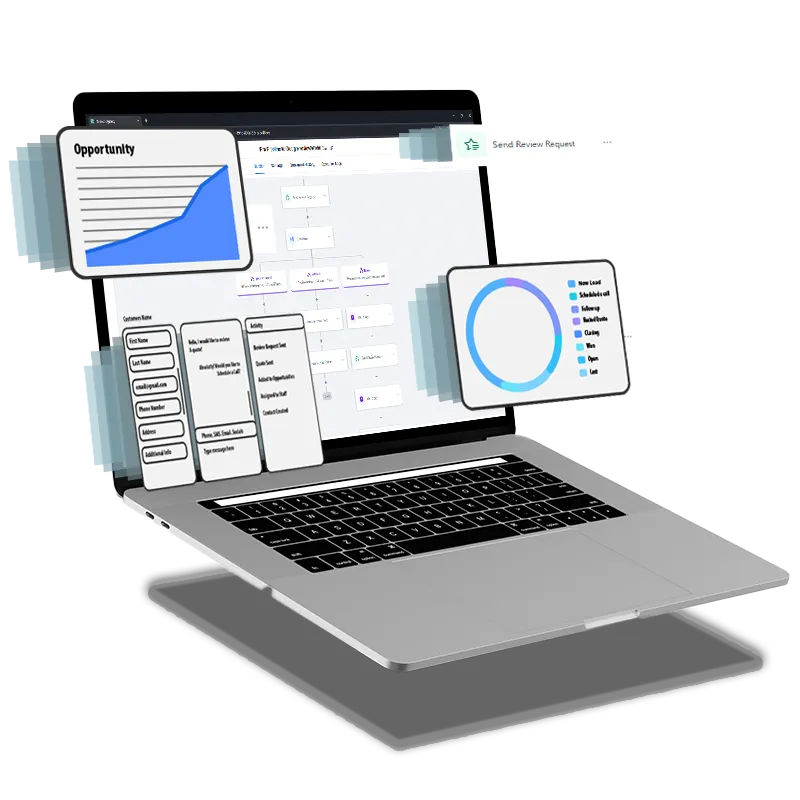
Boost Conversions with CRM Automation for Services
CRM Automation, Conversion Optimization, Local Service-based Businesses
Maximizing Conversions with CRM Automation for Local Service-based Businesses
For local service-based businesses, every inquiry, phone call, and website form fill is a potential client. Yet many leads quietly slip through the cracks due to slow follow-up, inconsistent communication, or manual processes. Strategic CRM Automation can close those gaps, streamline your sales pipeline, and significantly improve Conversion Optimization without adding more hours to your day.
Why CRM Automation Matters for Local Businesses
Whether you run a home services company, a medical practice, a law firm, or a boutique agency, your growth depends on how reliably you turn inquiries into booked appointments and signed agreements. CRM Automation ensures that no lead is forgotten, every prospect receives timely communication, and your team can focus on high-value conversations instead of repetitive admin work. For a Service-based Business competing locally, this can be the difference between a full calendar and slow weeks.
1. Instant Lead Capture and Acknowledgment Workflow
The first critical automation is capturing leads from every channel—website forms, Facebook ads, Google Local Services, and phone inquiries—directly into your CRM. As soon as a lead enters the system, trigger an automatic confirmation email or text acknowledging their request, outlining next steps, and setting expectations for response time. For local Service-based Businesses, a fast, professional acknowledgment immediately builds trust and reduces the chance that prospects contact a competitor while they wait to hear from you.
2. Speed-to-Lead Follow-up Sequence
Conversion Optimization starts with speed. A well-designed CRM Automation workflow can assign new leads to the right team member, create follow-up tasks, and trigger reminder notifications if no contact has been made within a set time frame—often 15 to 30 minutes during business hours. You can also layer in a short sequence of emails or texts that provide helpful information, answer common questions, and invite the lead to book a call or appointment online. This ensures consistent follow-up even on busy days when your staff is in the field or with clients.
3. Quote and Proposal Nurture Workflow
Many local prospects request quotes from multiple providers and then delay their decision. An automated nurture sequence after you send a quote or proposal keeps your Service-based Business top of mind. Set up a series of messages that:
Remind them of the proposal and expiration date, if applicable
Address common objections around price, timing, or scope
Share brief testimonials or case studies from nearby clients
This automated nurture keeps conversations warm and encourages undecided prospects to move forward with you instead of continuing to shop around.
4. Appointment and Service Reminder Automation
Missed appointments and last-minute cancellations hurt revenue and efficiency. Use CRM Automation to send confirmation messages when appointments are booked, plus reminders 24–48 hours and a few hours before the visit. Include clear instructions, parking details, or preparation steps to reduce confusion. For mobile Service-based Businesses, add a “technician on the way” text to reassure clients and improve their experience. These simple workflows can dramatically reduce no-shows and keep your daily schedule running smoothly.
5. Post-Service Follow-up and Review Request Workflow
The relationship does not end when the service is delivered. A structured post-service workflow helps turn happy clients into repeat buyers and local advocates. After a job or appointment, trigger an automated thank-you message, a brief satisfaction survey, and then a request for a Google or Yelp review. You can also schedule future check-in messages or maintenance reminders. This ongoing communication strengthens loyalty and improves your online reputation, which in turn boosts Conversion Optimization from local search and word-of-mouth referrals.
Putting It All Together
When these five automation workflows work together—lead capture, rapid follow-up, quote nurturing, appointment reminders, and post-service follow-up—your CRM becomes a silent sales assistant. For any Service-based Business focused on the local market, this integrated approach to CRM Automation reduces manual workload, standardizes best practices, and ensures that every prospect and client receives a high level of care. Start by implementing one workflow at a time, measure its impact on conversions, and then refine your processes. Over time, you will build a predictable, efficient system that consistently turns local leads into loyal, long-term clients.